
12 Best Document Automation Software Platforms for 2026
In the endless cycle of business operations, manual document creation is a significant bottleneck. Teams in sales, HR, and legal spend countless hours generating contracts, proposals, invoices, and reports. This repetitive, error-prone work not only drains productivity but also diverts valuable talent from strategic initiatives that drive growth. The time spent manually populating templates, chasing signatures, and correcting human errors directly impacts your bottom line and competitive agility.
This guide is designed to help you find the best document automation software for your specific needs, eliminating these inefficiencies for good. We move beyond generic feature lists to provide a comprehensive analysis of the top platforms available today. Whether you're an operations manager at a growing SMB, a sales leader aiming to accelerate your quote-to-cash cycle, or an HR professional streamlining onboarding, this resource is your definitive roadmap.
We will dive deep into twelve leading solutions, from comprehensive platforms like PandaDoc and airSlate to specialized tools like Gavel and DocuSign Gen for Salesforce. For each option, you will find:
A practical, hands-on review with direct links and screenshots. Key feature analysis and ideal use-case scenarios. Honest pros and cons to manage expectations. Clear pricing information to help you budget effectively.
Our goal is to equip you with the insights needed to select a tool that integrates seamlessly into your existing workflows, automates tedious tasks, and provides a clear return on investment. Let's find the right solution to reclaim your team's time.
1. Supatool
Supatool earns its top spot as a featured choice by offering a remarkably comprehensive, no-code platform that goes far beyond simple document generation. It's an all-in-one solution designed for small to mid-sized businesses that need to automate entire processes from data collection to e-signature, without writing a single line of code. Its powerful drag-and-drop builder allows teams in HR, sales, and operations to create dynamic web forms, map data to professional PDFs, trigger automated workflows, and manage tasks from a unified interface.
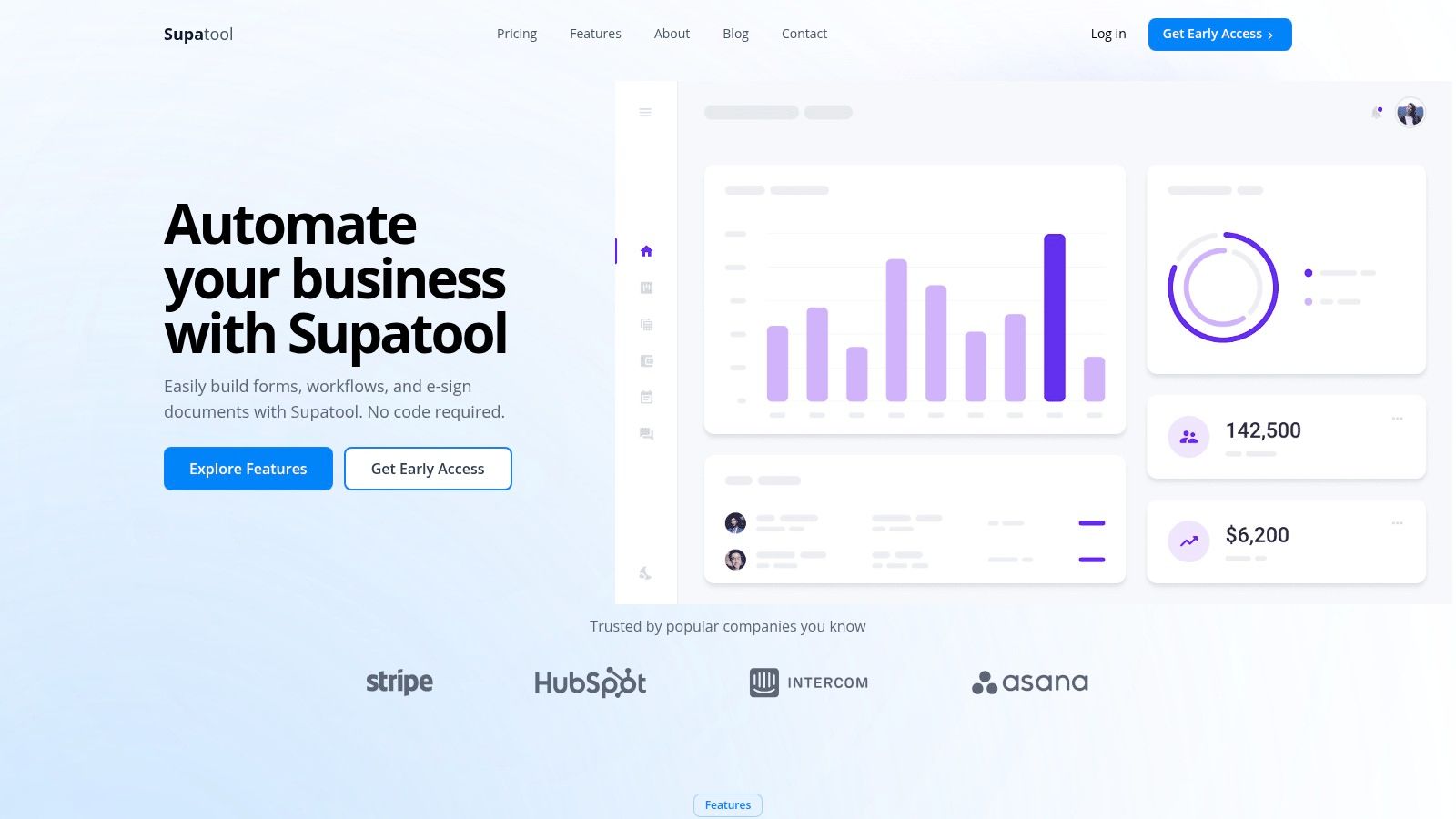
This platform stands out as one of the best document automation software options because it consolidates tools that businesses often pay for separately. You can build lightweight "apps" to manage client onboarding, automate sales proposals, or streamline internal approvals, all while leveraging built-in e-signature capabilities and native payment processing through Stripe, PayPal, and Authorize.net with no added platform fees.
Key Features and Use Cases
End-to-End Workflow Automation: Create conditional logic that routes documents for approval, assigns tasks to team members, and sends automated email reminders. A great use case is an HR team automating new hire onboarding, where a single form submission triggers the generation of a contract, sends it for signature, and notifies IT to set up accounts.
AI-Powered Analytics: Supatool provides unique insights that most competitors lack. It offers drop-off tracking on forms, real-time user behavior recordings, and shareable dashboards. This allows a marketing team to identify precisely where leads abandon a form and optimize it for higher conversion.
Extensive Connectivity: With over 100 integrations, you can seamlessly push and pull data from tools you already use. Map form data directly to fields in a PDF, then automatically save the completed document to Google Drive or Dropbox for organized record-keeping.
Built-in Payments: Sales teams can create order forms that generate an invoice and collect payment in a single, uninterrupted workflow. This is ideal for agencies, consultants, or businesses selling products online.
Supatool is currently in an Early Access phase, so detailed pricing and enterprise-grade compliance information are not publicly listed. Teams with strict security or procurement protocols should contact their sales team directly for these details.
Website: https://supatool.io
2. PandaDoc
PandaDoc is a cloud-based document automation platform designed to streamline the entire document lifecycle, from creation to e-signature. It excels in environments where speed and ease of use are paramount, particularly for sales, marketing, and operations teams in small to medium-sized businesses. Its core strength lies in combining document generation, collaboration, e-signatures, analytics, and even payment collection into a single, intuitive user interface.
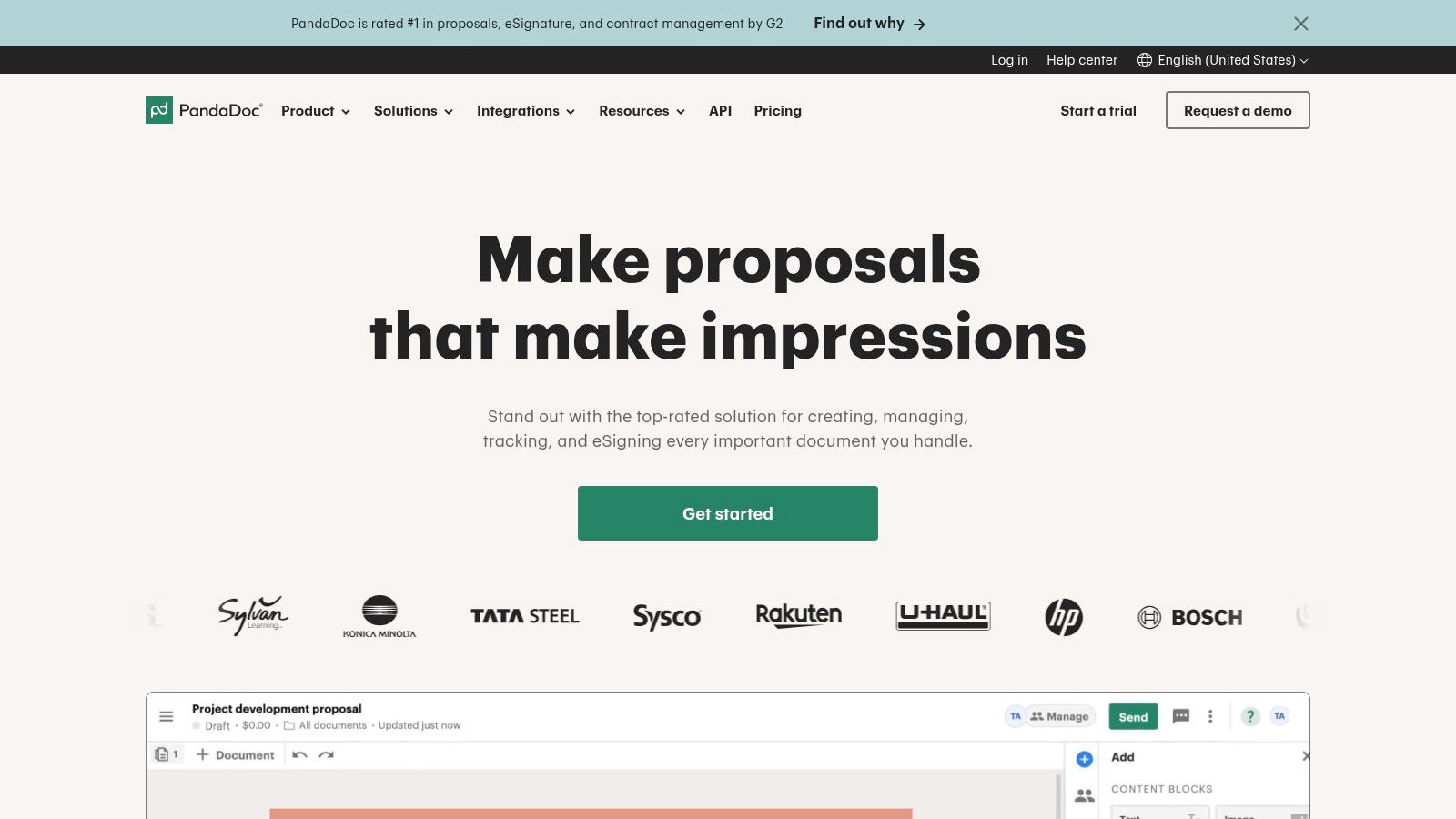
Unlike more complex, developer-focused solutions, PandaDoc allows non-technical users to quickly build and deploy professional-looking proposals, quotes, and contracts. The drag-and-drop builder, extensive template library, and content library with reusable components significantly accelerate document creation. This makes it an excellent piece of document automation software for teams that need to generate customized, on-brand documents without a steep learning curve.
Key Features & Use Cases
* Best For: Sales teams creating high-volume proposals and contracts, marketing teams managing partner agreements, and HR departments streamlining onboarding paperwork. * Standout Feature: The platform’s real-time analytics provide deep insights into client engagement. Users can see precisely when a document is opened, how long each section is viewed, and when it’s completed, allowing for timely and strategic follow-ups. * Implementation Tip: Utilize the content library to store pre-approved clauses, testimonials, and case studies. This ensures brand consistency and drastically reduces the time it takes to assemble new documents. * Pricing: Starts with an "Essentials" plan at $19 per user/month (billed annually), with "Business" and "Enterprise" tiers offering advanced features like CRM integrations and bulk sending.
| Pros | Cons |
|---|---|
| Very easy for non-technical users to launch quickly. | Advanced automation may require higher-priced tiers. |
| Rich collaboration and versioning for sales proposals. | Per-document costs on entry plans can add up with high volume. |
| All-in-one platform with native e-sign and payments. | Customization can be limited compared to API-first platforms. |
For a deeper analysis of similar tools, you can explore several high-quality PandaDoc alternatives that might better suit different business needs.
3. Formstack Documents (formerly WebMerge)
Formstack Documents is a robust document generation engine designed to merge data from various sources into polished templates. It excels at the classic "mail merge" on steroids, taking data from forms, CRMs, or spreadsheets and populating Word documents, PDFs, Excel files, and even PowerPoint presentations. It is a cornerstone of the broader Formstack suite, often combined with Formstack Forms and Formstack Sign to create a seamless, end-to-end data capture, document creation, and e-signature workflow.
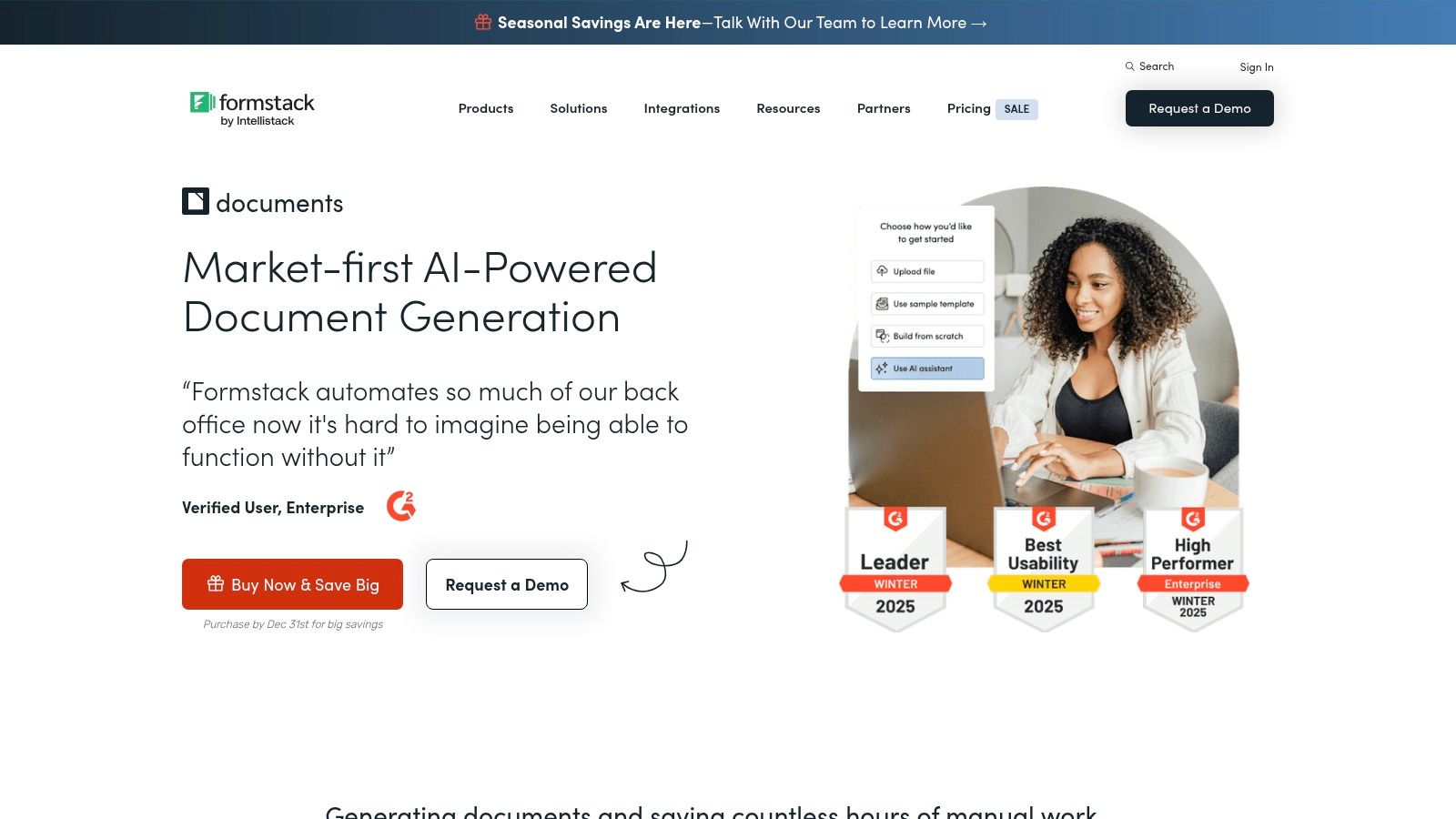
This platform is a reliable workhorse for businesses that need to automate the creation of standardized documents like certificates, invoices, and welcome packets at scale. Unlike all-in-one proposal tools, its primary focus is on the back-end mechanics of merging and delivering documents. This makes it a powerful piece of document automation software for operational teams who prioritize integration capabilities and reliable delivery to cloud storage, email, or third-party e-signature platforms.
Key Features & Use Cases
* Best For: Operations teams automating report generation, HR departments sending customized offer letters, and finance teams generating batch invoices. * Standout Feature: Its conditional logic is highly flexible, allowing users to dynamically show or hide entire sections, pages, or clauses within a document based on the incoming data, enabling sophisticated personalization without creating dozens of separate templates. * Implementation Tip: Start by mapping your entire workflow, from data source to final delivery destination. Formstack works best when you clearly define the trigger (e.g., a form submission) and the desired outcome (e.g., a signed PDF saved to Google Drive). * Pricing: The Documents-only plan starts at $92/month (billed annually), with higher tiers offering more merges and templates. It is also available in bundles with other Formstack products.
| Pros | Cons |
|---|---|
| Highly reliable for core merge-and-deliver tasks. | Template setup can feel technical for non-technical users. |
| Integrates seamlessly with the full Formstack suite. | Usage is capped by merges and templates per plan. |
| Extensive delivery options (cloud storage, email, e-sign). | The user interface is more functional than modern. |
To learn more about its capabilities, visit the official Formstack Documents website.
4. airSlate
airSlate is a comprehensive, no-code document workflow automation platform that empowers businesses to digitize and automate their processes from end to end. It stands out by combining document generation, web forms, an advanced PDF editor, contract negotiation, and legally binding e-signatures (powered by SignNow) into a single, unified environment. This all-in-one approach is designed for organizations looking to replace multiple point solutions and orchestrate complex, multi-step document workflows.
Unlike tools that focus solely on document creation, airSlate provides a visual workflow builder with automation bots that can handle tasks like routing documents for approval, sending notifications, and exporting data to other systems. This makes it a powerful piece of document automation software for both business users who need a drag-and-drop interface and developers who can leverage its APIs for deeper integration. It is particularly well-suited for process-heavy departments like operations, HR, and finance.
Key Features & Use Cases
* Best For: Operations teams automating multi-stage approval processes, HR departments managing the entire employee lifecycle from onboarding to offboarding, and SMBs seeking to replace multiple apps with one platform. * Standout Feature: The platform's RPA-style automation bots allow users to configure triggers and actions without writing any code. These bots can update CRM records, archive completed documents to cloud storage, or initiate subsequent workflows, creating a truly automated system. * Implementation Tip: Start by mapping out a single, high-impact process before expanding. A thorough workflow analysis will help you identify the right bots and integrations needed to maximize value from the platform. * Pricing: Offers a free plan with core features. The "Business Cloud" plan starts at $50 per month and includes 5 users, with an "Enterprise" tier for custom needs. Pricing is often tied to usage-based credits for flows and e-signatures.
| Pros | Cons |
|---|---|
| All-in-one platform can replace multiple point tools. | Credit-based metering requires planning and monitoring of usage. |
| Flexible for both no-code users and developers. | Full value is often realized after investing time in workflow design. |
| Powerful visual workflow builder with automation bots. | Can be more complex than simpler, single-purpose solutions. |
5. DocuSign Gen for Salesforce
DocuSign Gen for Salesforce is a specialized document generation tool designed to live natively within the Salesforce ecosystem. It's built for businesses that are deeply invested in Salesforce and need a seamless way to create sales quotes, invoices, and contracts directly from their CRM data. Its core advantage is the tight integration with DocuSign’s industry-leading eSignature capabilities, creating a unified workflow from document creation to signing and storage, all without leaving the Salesforce interface.

Unlike standalone platforms, DocuSign Gen leverages the data and objects you already use every day in Salesforce, like Accounts, Opportunities, and Products. This makes it an exceptionally powerful piece of document automation software for sales, finance, and legal teams who need to generate accurate, data-driven documents with complex conditional logic. The process is streamlined through an installable AppExchange package, ensuring a secure and familiar setup for Salesforce administrators.
Key Features & Use Cases
* Best For: Sales teams generating quotes and proposals from Salesforce CPQ, finance departments creating invoices from billing data, and legal teams preparing contracts tied to customer accounts. * Standout Feature: The native Salesforce integration allows for sophisticated, data-driven automation. Users can generate documents in Word or PDF format using conditional content rules and localized formatting based on any standard or custom Salesforce field. * Implementation Tip: Begin by mapping out your most critical document workflows, such as quote-to-cash. Use the guided setup to configure templates for these processes first, ensuring a quick win and demonstrating immediate value to your teams. * Pricing: Requires a DocuSign eSignature plan. DocuSign Gen is available as an add-on to specific eSignature plans or included in higher-tier suites like the "Accelerate Plan for Salesforce."
| Pros | Cons |
|---|---|
| Deep, native integration with Salesforce data and CPQ. | Only suitable for organizations using Salesforce. |
| Streamlines the entire prepare-sign-store workflow. | Requires an existing DocuSign eSignature plan. |
| Strong capabilities for batch generation and scheduling. | Advanced configurations may require Salesforce admin skills. |
Understanding the nuances of signature types is crucial for compliance; you can learn more about the differences between digital vs. electronic signatures to complement your workflow.
6. Nintex DocGen
Nintex DocGen is a powerful document generation tool that operates within the broader Nintex Process Platform, a comprehensive suite for workflow automation and process management. It’s ideal for organizations that view document creation not as a standalone task but as a critical step within a larger business process. Its strength lies in its deep integration with platforms like Salesforce (where it was formerly known as Drawloop) and the Microsoft ecosystem, allowing businesses to automate document generation directly from the systems they already use.
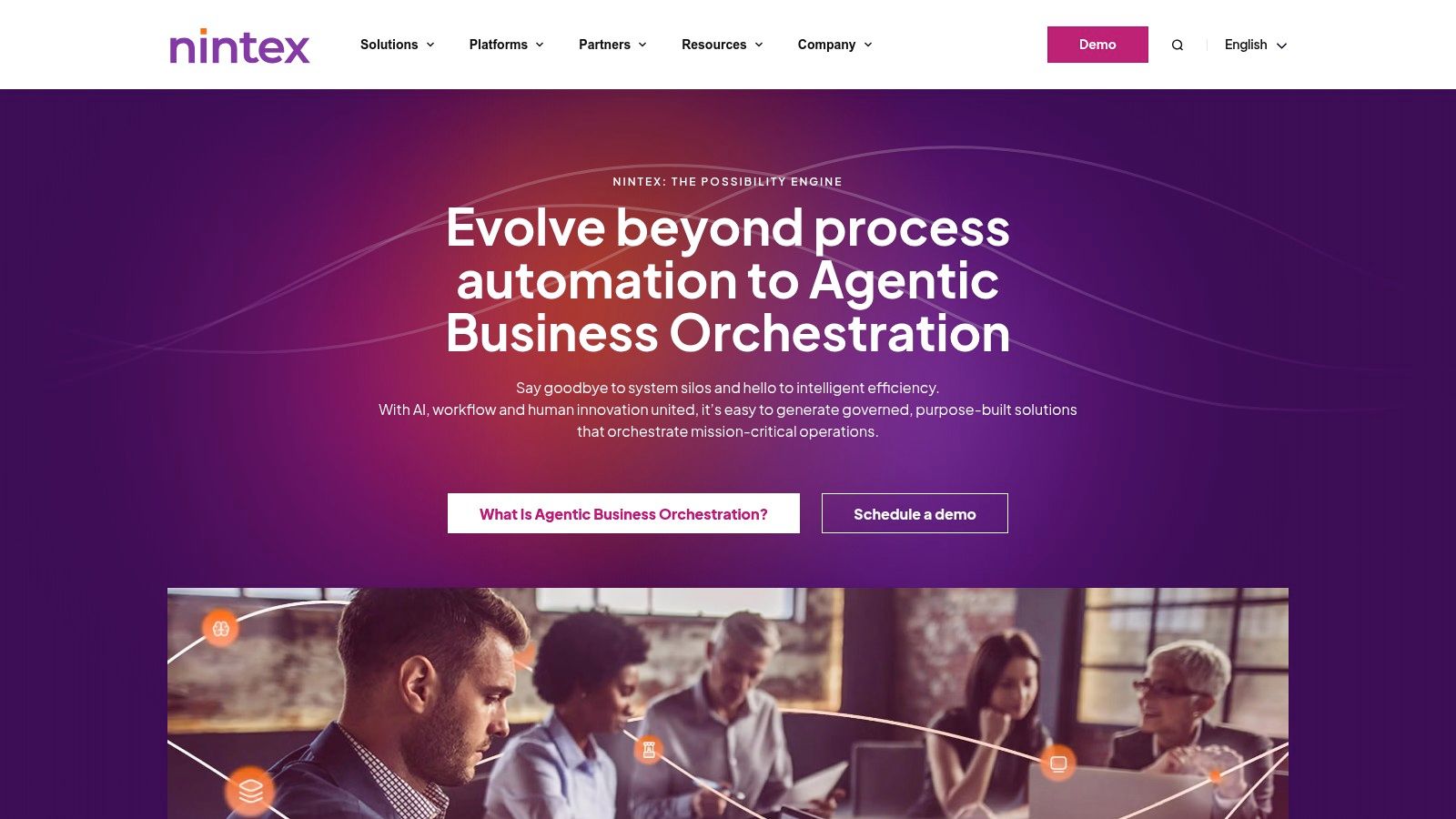
Unlike all-in-one proposal tools, Nintex focuses on embedding document automation within complex operational workflows. This makes it an excellent piece of document automation software for enterprises that need to connect document outputs to other automated actions, like task assignments, approvals, or data updates in a CRM. The no-code designer empowers business users to build sophisticated document rules and templates without relying on IT.
Key Features & Use Cases
* Best For: Enterprise operations teams automating compliance documentation, sales teams generating complex quotes from Salesforce, and legal departments managing contracts as part of an end-to-end process. * Standout Feature: The seamless integration with the full Nintex Process Platform. Users can trigger document generation from a workflow, use Nintex Forms to collect data, apply RPA bots for data retrieval, and route documents for e-signature with Nintex Sign. * Implementation Tip: Start by mapping a single, high-impact business process, such as sales quoting or employee onboarding. Build the entire workflow in Nintex, using DocGen as the component for generating the final output documents to see its full value. * Pricing: Pricing is not publicly listed and is typically provided via a custom quote from their sales team. A free trial is available to test DocGen within the Nintex Workflow Cloud.
| Pros | Cons |
|---|---|
| Pairs document generation with process automation. | Pricing is not fully public; requires sales engagement. |
| Well-established in Microsoft and Salesforce ecosystems. | Best features realized when using the wider Nintex stack. |
| Strong capabilities for complex, conditional logic. | Can be more complex to implement than simpler tools. |
For organizations seeking a solution deeply embedded in process automation, explore the offerings on the Nintex website.
7. Conga Composer
Conga Composer is a powerful document generation engine deeply embedded within the Salesforce ecosystem. It is designed for organizations that rely heavily on Salesforce and need to create sophisticated, data-rich documents by merging information from any standard or custom object. Its primary function is to pull complex data from Salesforce into pre-formatted templates in Word, Excel, PowerPoint, PDF, or HTML email, making it a long-standing standard for enterprise-level document automation.
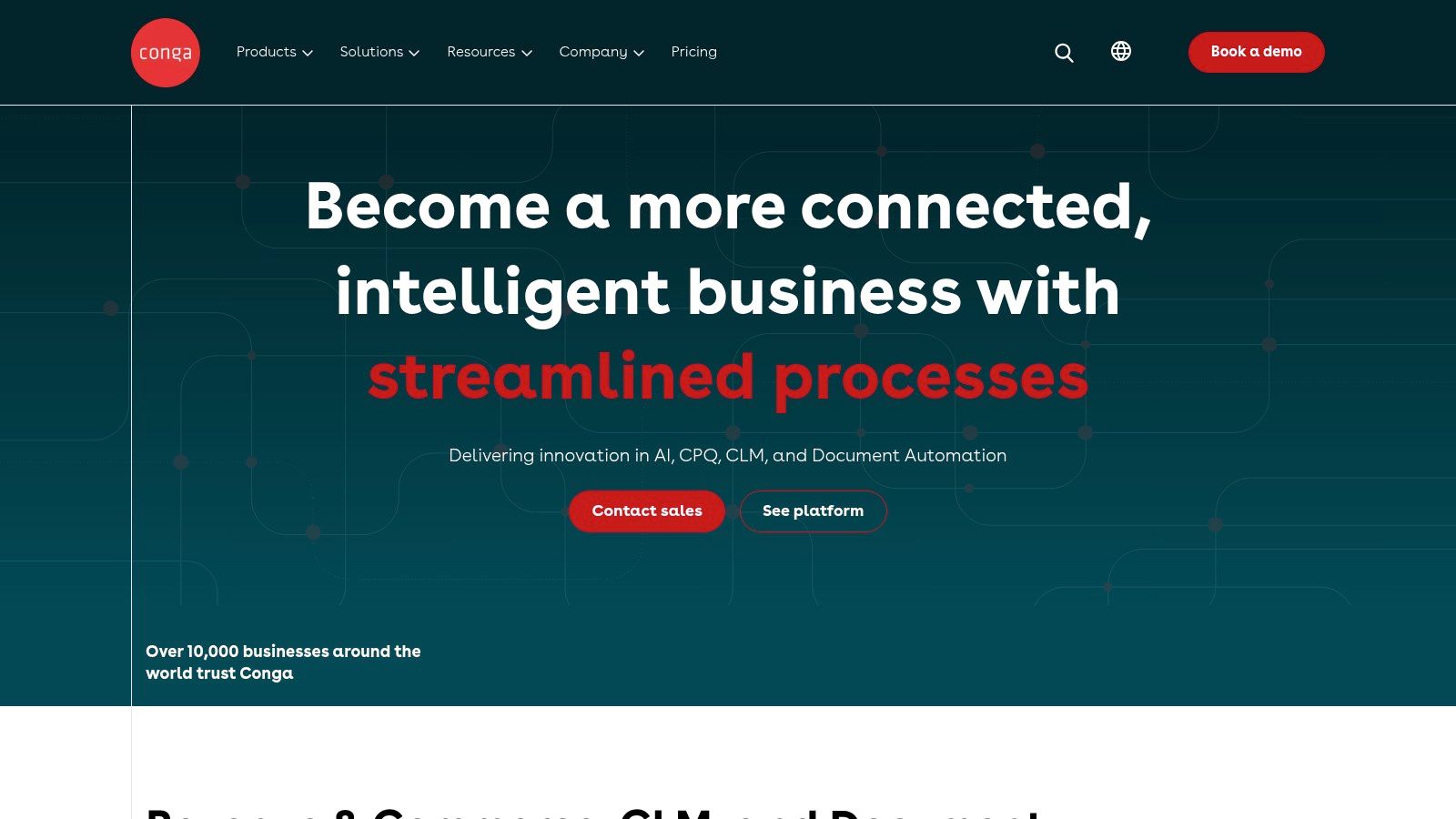
Unlike all-in-one platforms, Conga's strength lies in its native Salesforce integration and its ability to handle intricate data relationships. This makes it an ideal piece of document automation software for generating complex account plans, detailed quotes with multiple product lines, or comprehensive service reports directly from Salesforce records. Add-on products like Conga Batch and Conga Trigger enable scheduled, high-volume document runs and automated generation based on field updates, extending its capabilities beyond on-demand creation.
Key Features & Use Cases
* Best For: Enterprise sales, finance, and legal teams that operate exclusively within Salesforce and need to automate complex, multi-object document generation like quotes, contracts, and invoices. * Standout Feature: Its ability to query and merge data from complex, related Salesforce objects into a single document is unmatched. It can navigate parent-child and lookup relationships to pull in all necessary data without custom development. * Implementation Tip: Start by mapping out your most complex data model and document requirements first. The initial setup requires a Salesforce administrator, so use the detailed AppExchange configuration guides to build your solution button and template queries correctly. * Pricing: Pricing is not publicly listed and is typically provided via a custom quote from their sales team, based on user count and required add-ons like Batch or Trigger.
| Pros | Cons |
|---|---|
| Deep, native Salesforce integration and features. | Pricing is opaque and generally targets enterprise budgets. |
| Scales across complex data models and high volumes. | Setup and configuration can be admin-heavy and complex. |
| Mature platform with robust automation add-ons. | Community feedback on reliability and customer support is mixed. |
8. Apryse Fluent (formerly Windward Core/Windward)
Apryse Fluent is a high-performance document generation engine built for developers and independent software vendors (ISVs). It operates via SDKs and APIs, allowing businesses to embed powerful document and report generation capabilities directly into their own applications. Its core strength lies in leveraging familiar Microsoft Office templates (DOCX, XLSX, PPTX) to produce pixel-perfect outputs in various formats, making it a top choice for scenarios requiring scalable, high-volume, or deeply integrated document creation.
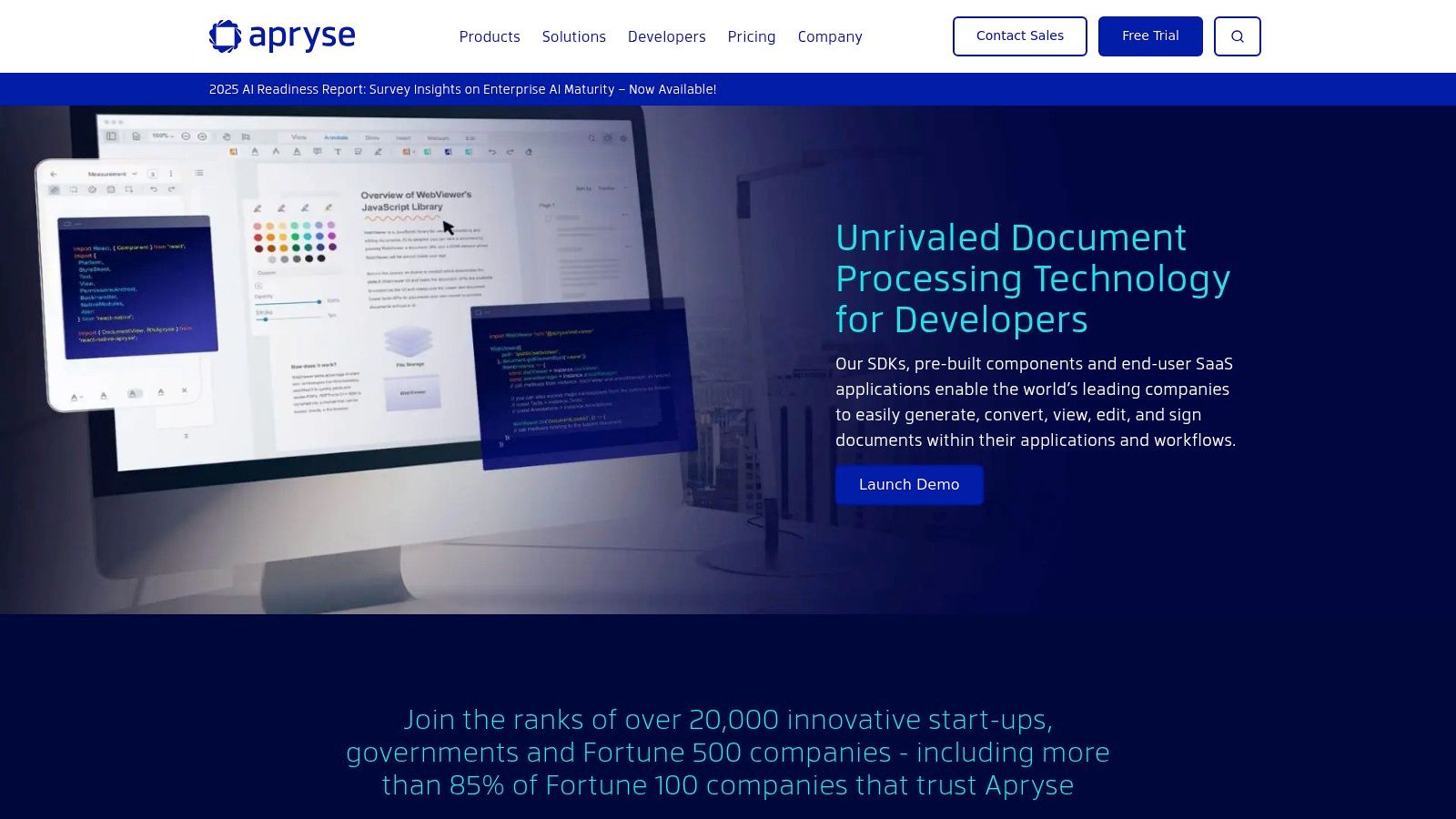
Unlike user-facing, all-in-one platforms, Apryse Fluent is a component designed for a technical audience. It gives developers granular control over the document automation process, enabling them to connect complex data sources and generate sophisticated documents without leaving their existing software ecosystem. This makes it some of the best document automation software for companies building products that require robust, native reporting and document output features.
Key Features & Use Cases
* Best For: ISVs embedding document generation into their products, enterprise teams building custom in-house applications, and any organization needing high-volume, server-side document creation. * Standout Feature: The platform’s ability to use familiar Microsoft Office applications for template design. This allows non-developers to create and manage complex document layouts, while developers focus on integrating data sources and triggering generation via the API. * Implementation Tip: Carefully evaluate your expected document volume to choose the right licensing model. The per-page 'Flex' option is great for variable usage, while the per-server 'PRO' model offers predictable costs for high-throughput applications. * Pricing: Pricing is available via a custom quote, tailored to specific use cases, deployment environments, and volume requirements.
| Pros | Cons |
|---|---|
| Highly scalable for embedded or high-volume needs. | Requires developer resources for implementation and management. |
| Developer-friendly with comprehensive SDKs and APIs. | Less suitable for non-technical users seeking a standalone tool. |
| Uses standard Office templates, simplifying design work. | Pricing requires a quote and forecasting of usage. |
For more information on embedding these capabilities, visit the Apryse Fluent website.
9. Experlogix Document Automation
Experlogix Document Automation is a purpose-built solution designed for enterprises that need to generate complex, data-driven documents directly from their core business systems like Microsoft Dynamics 365 and Salesforce. It specializes in converting CRM and ERP data into perfectly formatted, personalized documents such as quotes, proposals, contracts, and reports. Its main strength lies in its deep, plug-and-play integrations, allowing businesses to automate document creation at scale without leaving their primary software environment.
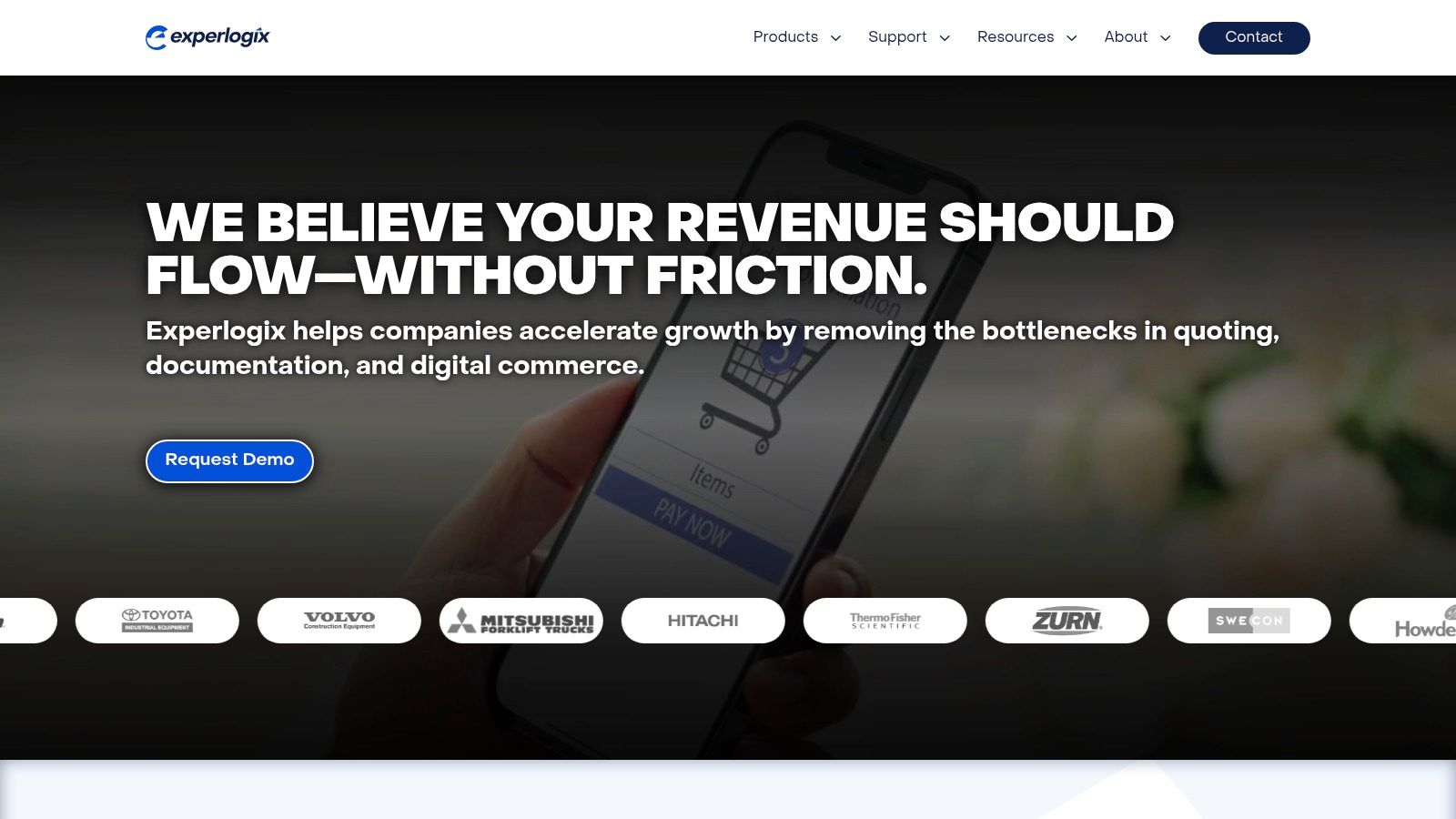
Unlike more generalized platforms, Experlogix provides a familiar, Microsoft Word-based template designer. This enables business users to build and manage sophisticated templates using conditional logic and data-merge fields without needing extensive technical skills. This approach makes it some of the best document automation software for companies heavily invested in the Microsoft ecosystem seeking to leverage their existing data for high-volume, rule-based document generation.
Key Features & Use Cases
* Best For: Enterprise sales teams generating complex quotes from Dynamics 365, finance departments creating invoices from ERP data, and legal teams managing contracts tied to Salesforce records. * Standout Feature: The deep, native integration with Microsoft Dynamics 365 is its core differentiator. It allows users to trigger complex document workflows directly within their CRM, pulling in product, pricing, and customer data seamlessly. * Implementation Tip: Map out your primary data sources and required document outputs before starting. Leverage the visual flow builder to define conditional rules for content, ensuring that templates dynamically adapt to different scenarios (e.g., regional compliance clauses or tiered pricing). * Pricing: Pricing is customized based on business needs and is provided via a direct sales consultation. A trial is available to evaluate the platform’s fit before committing.
| Pros | Cons |
|---|---|
| Exceptional integration with Microsoft Dynamics 365. | Pricing is not publicly available and requires a sales quote. |
| Powerful conditional logic for complex document assembly. | The best experience is tied to using a supported CRM/ERP system. |
| Utilizes a familiar Microsoft Word interface for template design. | May be overly complex for simple document generation needs. |
You can learn more and request a demo on the official Experlogix website.
10. Gavel (formerly Documate)
Gavel, formerly known as Documate, is a no-code document automation platform built specifically for the legal industry but versatile enough for any compliance-heavy field. It excels at transforming complex legal documents and client intake processes into simple, guided web-based workflows. The platform allows users to create intelligent questionnaires that automatically populate Word documents and PDFs, drastically reducing manual data entry and the risk of human error in critical legal paperwork.
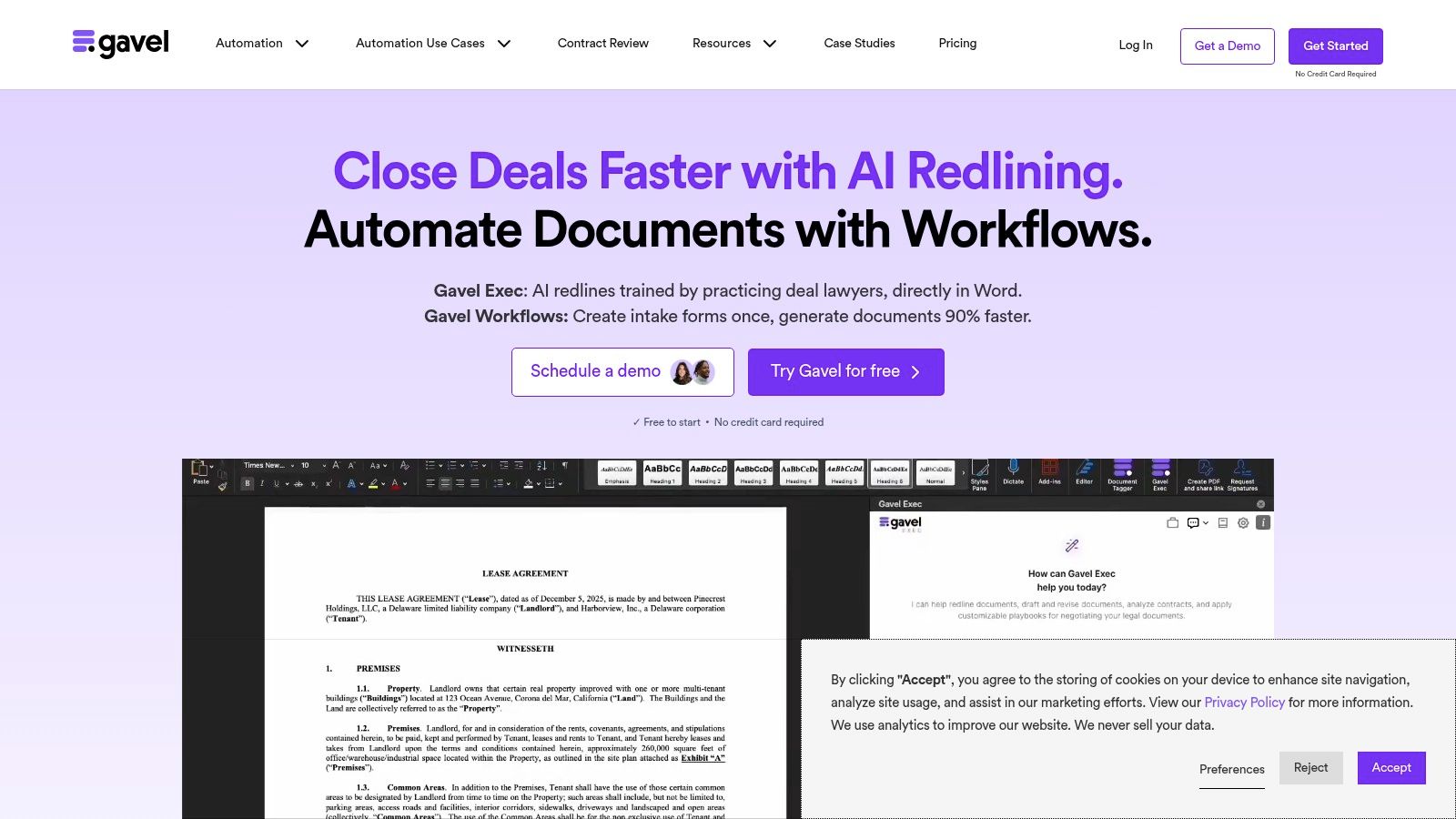
Unlike general-purpose form builders, Gavel’s core strength is its robust support for conditional logic, nested questions, and complex calculations required for legal documents like trusts, contracts, and court filings. This specialization makes it a leading piece of document automation software for law firms and legal departments aiming to productize their services, improve efficiency, and enhance client experience without needing to write any code.
Key Features & Use Cases
* Best For: Law firms automating client intake and document drafting, legal aid organizations streamlining applications, and compliance departments managing standardized contracts and reports. * Standout Feature: The platform’s ability to create public-facing workflows that can be embedded directly onto a firm’s website. This allows clients to self-serve, complete intake forms, and even pay for services, which generates the necessary documents on the backend automatically. * Implementation Tip: Start by mapping out your most repetitive document process. Build the client-facing questionnaire first, focusing on clear, simple language, and then connect the fields to your existing Word or PDF templates. * Pricing: Begins with a "Starter" plan at $83/month (billed annually) for one user and 10 published workflows, with "Pro" and "Enterprise" tiers offering more users, white-labeling, and integrations.
| Pros | Cons |
|---|---|
| Designed specifically for legal workflows and secure data handling. | Pricing rises significantly as users and template volume increase. |
| Quick time-to-value for firms needing client-intake-to-document pipelines. | May be overly specialized for general business teams. |
| Excellent conditional logic and workflow grouping capabilities. | The user interface is more functional than aesthetically polished. |
You can learn more and see if it fits your legal or compliance needs at the official Gavel website.
11. Microsoft Power Automate
Microsoft Power Automate is a powerful, low-code automation platform that extends far beyond simple document generation, making it ideal for businesses deeply embedded in the Microsoft 365 ecosystem. Its strength lies in orchestrating complex, multi-step workflows. Users can trigger document creation from virtually any event, populate a Word template with data from hundreds of sources like SharePoint or Dynamics 365, convert it to a PDF, and then route it through a sophisticated approval and signature process.
Unlike standalone document tools, Power Automate treats document creation as just one step in a larger business process. This makes it an excellent piece of document automation software for companies that need to connect document workflows with other operational tasks, such as updating a CRM record, sending notifications in Teams, or archiving files in SharePoint, all within a single, unified flow.
Key Features & Use Cases
* Best For: Organizations using Microsoft 365 seeking to automate internal processes like HR offer letters, operations checklists, or sales quote approvals that are tied to other systems. * Standout Feature: Its unparalleled integration capabilities via over 1,000 connectors. It can pull data from Salesforce, populate a Word template, save it to SharePoint, and request a signature through Adobe Sign or DocuSign in one seamless automation. * Implementation Tip: Start with the "Populate a Microsoft Word template" action. Prepare your .docx template with Plain Text Content Controls from the Developer tab in Word to map your data fields correctly before building the flow. * Pricing: Included in many Microsoft 365 and Dynamics 365 licenses. Standalone plans start around $15 per user/month, with premium plans required for RPA and certain connectors.
| Pros | Cons |
|---|---|
| Unmatched connector ecosystem for end-to-end automation. | Template setup and flow logic can be complex for beginners. |
| Deeply integrated for any business already using Microsoft 365. | Licensing can be confusing, with premium features adding extra cost. |
| Orchestrates document generation with approvals and RPA. | Less focused on the document editing and design experience. |
For organizations seeking a robust, process-centric automation tool that includes document generation, Microsoft Power Automate offers exceptional value and power.
12. G2 — Document Generation Software Category
Rather than a single platform, G2's Document Generation Software category is an essential research hub for any business evaluating the best document automation software. It acts as a comprehensive marketplace, aggregating hundreds of tools and pairing them with verified user reviews, detailed feature comparisons, and real-time market sentiment. This makes it an invaluable resource for creating a data-driven shortlist before committing to demos or trials.
Instead of relying solely on vendor marketing, G2 provides a transparent view of how different platforms perform in real-world scenarios. Users can filter solutions by specific criteria like business size, desired features, integration capabilities, and pricing models. The platform’s unique Grid reports visually segment tools into Leaders, High Performers, Contenders, and Niche players, offering a quick yet powerful snapshot of the competitive landscape.
Key Features & Use Cases
* Best For: Operations managers and IT leaders comparing vendors, teams validating a shortlist of tools, and businesses seeking unbiased user reviews to inform their purchasing decisions. * Standout Feature: The side-by-side comparison tool is incredibly powerful. It allows you to select multiple vendors and view their user satisfaction scores across key attributes like "Ease of Use," "Quality of Support," and "Ease of Setup" in a simple grid format. * Implementation Tip: Use the review filters to find feedback from users in your specific industry or company size. This helps uncover relevant pain points and benefits that might not be apparent from a product’s feature list alone. * Pricing: Access to G2 for research and reviews is free for users. Pricing for the software listed varies by vendor.
| Pros | Cons |
|---|---|
| Aggregates a vast number of tools in one place. | Reviews can sometimes be skewed by highly engaged users. |
| Verified, in-depth user reviews provide authentic insights. | Some product details are best confirmed on vendor websites. |
| Powerful filtering and comparison tools simplify research. | The sheer number of options can feel overwhelming initially. |
To start your own research, you can explore the G2 Document Generation category and build a customized comparison of potential solutions.
Top 12 Document Automation Tools Comparison
| Product | Core features | UX & analytics | Value / USP | Best for | Pricing / notes |
|---|---|---|---|---|---|
| Supatool | No-code drag‑and‑drop forms, workflows, PDF gen, e‑sign, built‑in payments, 100+ integrations | AI insights, drop‑off tracking, session recordings, shareable dashboards, offline & templates | True all‑in‑one automation + payments + UX analytics in one platform | SMBs & teams (sales, marketing, HR, ops, agencies) wanting fast end‑to‑end automation | Early Access / no public pricing; verify enterprise compliance |
| PandaDoc | Drag‑and‑drop document builder, templates, e‑sign, payments | Real‑time analytics, notifications, collaboration & versioning | Easy launch for proposals, quotes, contracts | SMB sales, marketing, ops teams | Tiered plans; per‑document costs can add up on entry plans |
| Formstack Documents | Data merge to Word/PDF/Excel/PPT, routing, delivery to cloud | Reliable template merges, conditional routing, scheduled batches | Mature merge + delivery engine for template-driven docs | Teams needing classic template merge workflows; pairs with Formstack Forms | Usage caps (merges/templates) by plan; setup can be technical |
| airSlate | Doc gen from DOCX, e‑sign (SignNow), PDF editing, bots, APIs | Visual workflow builder, RPA‑style bots, developer APIs | All‑in‑one automation replacing point tools, flexible UI+dev support | SMB → enterprise needing process automation and RPA | Credit‑based metering; needs planning/monitoring |
| DocuSign Gen for Salesforce | Generate Word/PDF from Salesforce, conditional content, batch | Native Salesforce UX, guided setup, tight DocuSign integration | Keep prepare→sign→store entirely in Salesforce | Salesforce‑centric sales/finance teams | Requires DocuSign eSignature plan; admin setup often needed |
| Nintex DocGen | No‑code doc gen inside Nintex Workflow, Salesforce edition, eSign add‑ons | Embedded in broader workflow automation, trial access | Pairs doc gen with process/workflow automation | Teams using Nintex / Microsoft / Salesforce stacks | Pricing via sales; best value with broader Nintex use |
| Conga Composer | Merge Salesforce data into Word/Excel/PPT/PDF/HTML, batch/trigger | Scales for complex Salesforce data models, batch runs | Longstanding Salesforce doc‑gen standard for complex models | Large Salesforce orgs with complex data models | Pricing via sales; setup can be admin‑heavy |
| Apryse Fluent | SDKs/APIs, Office template support, high‑volume/report gen | Developer‑focused performance and flexibility | Embedded, scalable doc generation for ISVs and apps | Developers, ISVs, high‑volume servers | Quote‑based; per‑page or per‑server licensing options |
| Experlogix Document Automation | Word template design, CRM connectors, visual flow builder | Strong Dynamics 365 integration and enterprise workflows | CRM‑driven personalization at scale (Dynamics focus) | Dynamics 365 / Salesforce teams needing CRM templates | Pricing via sales; best with supported CRMs |
| Gavel (formerly Documate) | Client intake forms → Word/PDF templates, payments, embedding | Legal‑grade security, white‑label & custom domain options | Designed for law firms and compliance workflows | Law firms, legal service teams, compliance‑heavy orgs | Pricing scales with templates/users; legal focus |
| Microsoft Power Automate | Populate Word templates, PDF conversion, 1000+ connectors, RPA | Governed by Microsoft 365/Azure AD, cloud & desktop RPA | Orchestrates doc gen + approvals + storage for M365 shops | Organizations on Microsoft 365 / Azure | Licensing nuances; premium connectors may add cost |
| G2 — Document Generation Category | Marketplace of vendors, filters, vendor links, reviews | User satisfaction scores, leader/grids, trending products | Fast shortlist & user‑sentiment validation for buyers | Buyers researching and comparing vendors | Free to browse; verify vendor details via trials |
Your Next Step: From Manual Processes to Automated Success
Navigating the landscape of document automation software can feel overwhelming. We've journeyed through a comprehensive list of tools, from enterprise-grade powerhouses like Conga Composer and Nintex DocGen to specialized platforms like PandaDoc for sales and Gavel for legal professionals. Each solution presents a unique combination of features, pricing models, and ideal use cases, underscoring a critical truth: there is no single "best" tool for everyone.
The right choice hinges entirely on your specific organizational context. A small business or startup might prioritize the flexibility and no-code simplicity of a tool like Supatool or the broad integration capabilities of Microsoft Power Automate. In contrast, a large enterprise deeply embedded in the Salesforce ecosystem will naturally gravitate towards solutions like DocuSign Gen or Conga Composer for their native integration and robust, scalable feature sets.
Key Takeaways for Choosing Your Solution
As you transition from evaluation to decision, keep these core principles at the forefront. The best document automation software for your team will align with your existing workflows, not force you to overhaul them entirely.
* Start with a Defined Problem: Don't chase features. Identify your most time-consuming, error-prone document process. Is it sales proposal generation, HR onboarding packets, or client reporting? Your primary pain point is your starting point. * Evaluate Total Cost of Ownership (TCO): Look beyond the monthly subscription fee. Factor in implementation costs, the need for specialized developer resources (if any), training time for your team, and the cost of necessary integrations. A seemingly cheaper tool might become expensive if it requires significant technical upkeep. * Prioritize the User Experience: The most powerful software is useless if your team finds it too complex to use. Seek out tools with intuitive interfaces, especially for the end-users who will interact with the documents and workflows daily. Always take advantage of free trials to get a real-world feel for the platform. * Scalability is Non-Negotiable: Your business will grow, and your document needs will evolve. Select a platform that can grow with you. Can it handle increased volume? Can you easily add new templates, workflows, and users without hitting a restrictive wall?
Your Action Plan for Implementation
Once you've shortlisted your top contenders, your focus should shift from features to execution. A successful rollout is just as important as selecting the right software.
1. Run a Pilot Program: Before a company-wide implementation, select a small, controlled use case. Choose a single department or workflow, like generating NDAs in your legal team or creating statements of work for your sales department. This allows you to identify potential challenges and build internal expertise on a smaller, manageable scale. 2. Champion Internal Adoption: Designate a "product champion" within your team. This person will become the go-to expert, providing support and encouragement to colleagues. Their enthusiasm and knowledge are crucial for driving adoption and ensuring the tool becomes an integral part of your operations. 3. Document and Refine: Create clear, simple documentation for your new automated workflows. As your team uses the new system, solicit feedback and be prepared to make adjustments. The goal is continuous improvement, not a one-time setup.
Ultimately, investing in the right document automation software is an investment in your organization's efficiency, accuracy, and capacity to scale. By eliminating the manual, repetitive tasks that consume valuable time, you empower your team to focus on strategic, high-impact work. You're not just buying software; you're buying back time and creating a more streamlined, productive, and successful future for your business.
Ready to build the powerful, custom internal tools your business needs without writing a single line of code? Supatool empowers you to transform your scattered data and manual processes into streamlined applications, from dynamic document generation to complex approval workflows. See how you can build the exact solution you need by exploring Supatool today.