
10 Best Form Templates in Google Forms
Fast navigation
Want to save time when creating forms? The 10 best form templates in Google Forms are already built to help you collect feedback, registrations, applications, and more without starting from scratch.
In this guide, I’ll walk you through the best free templates, how they work, and how you can customize them for your needs.
Let’s dive in!
How to Access Google Forms Templates
Before we explore the top templates, here’s how you can access them:
1. Go to Google Forms.
2. Log in with your Google account.
3. On the dashboard, click on Template Gallery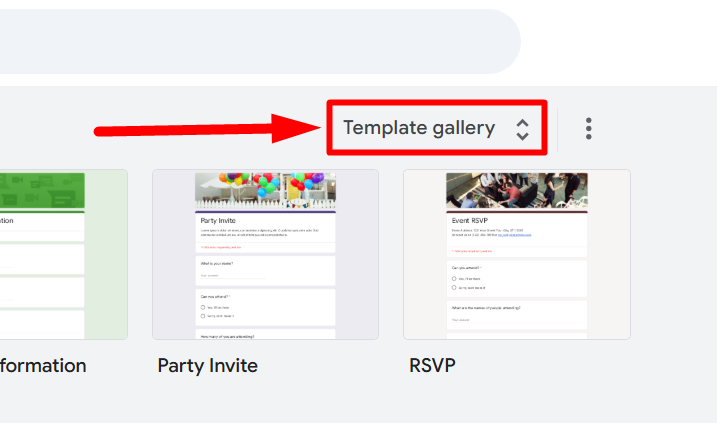
4. You’ll see categories like Education, Personal, and Work.
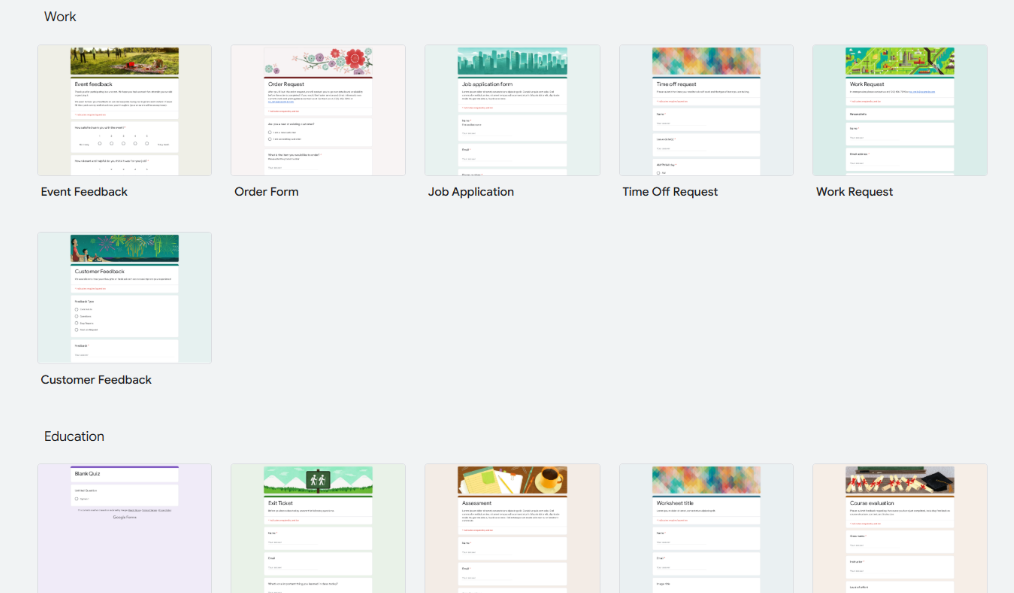
Now, let’s explore the 10 best templates in Google Forms.
10 best templates in Google Forms
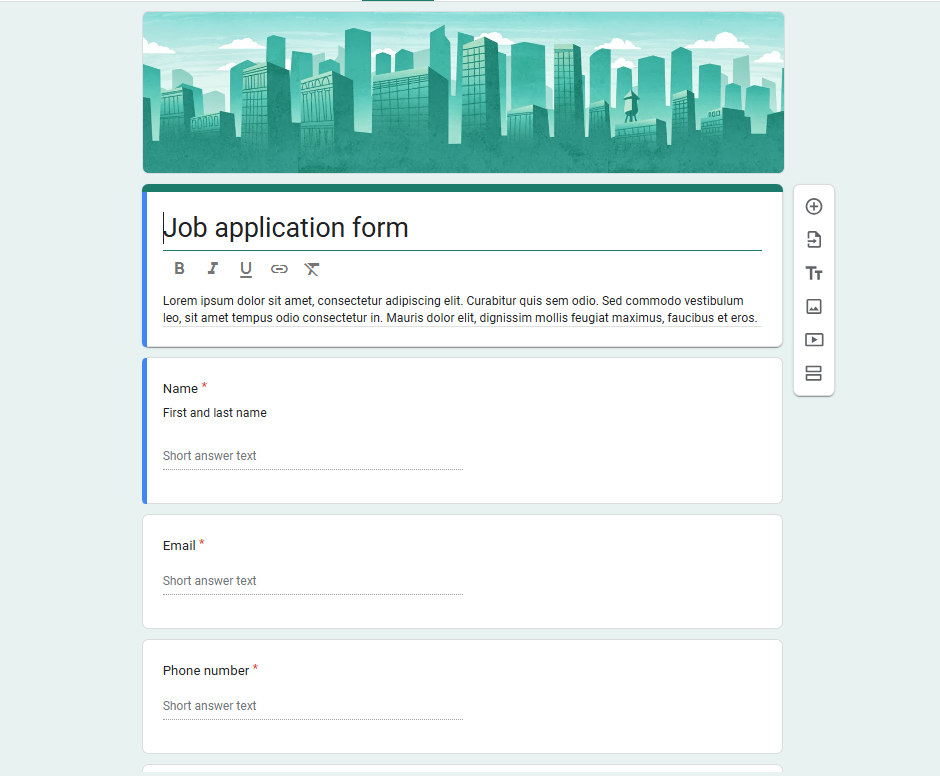
1. Job Application Form
This template is perfect for collecting candidate details such as name, email, work experience, and education history.
Pro Tips:
- Use the File Upload field if you want applicants to attach resumes or portfolios.
- Add multiple-choice questions to screen candidates quickly.
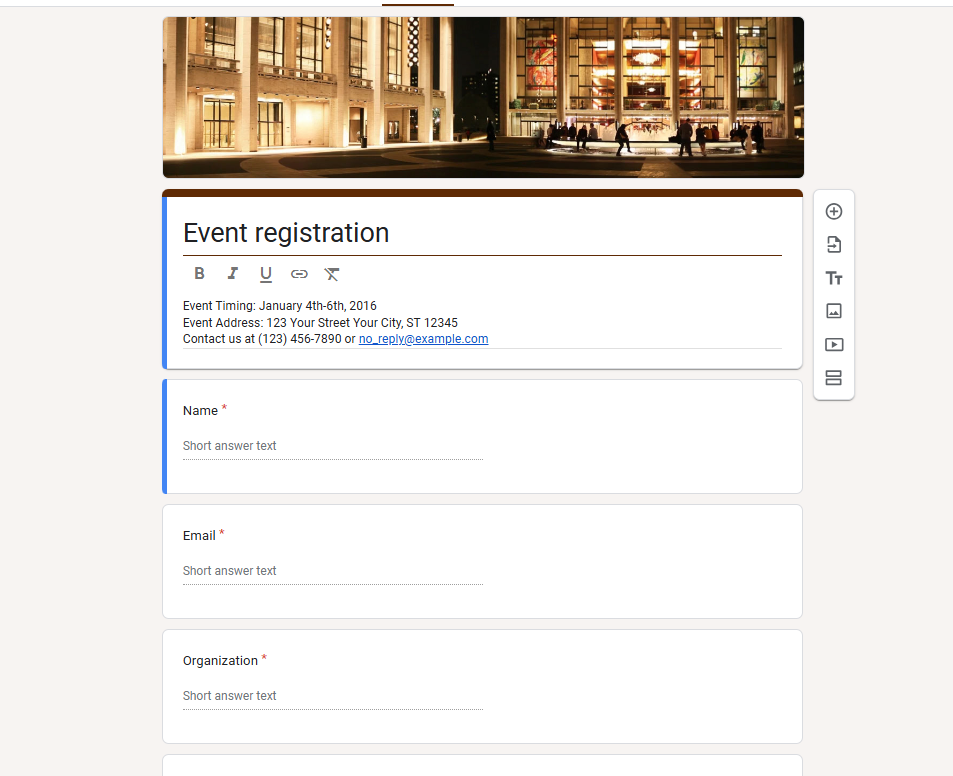
2. Event Registration Form
Organizing a webinar, workshop, or party? This template helps you track attendee details, preferences, and even meal choices.
Pro Tips:
- Turn on collecting email addresses to send reminders.
- Add section breaks for sessions or ticket types.
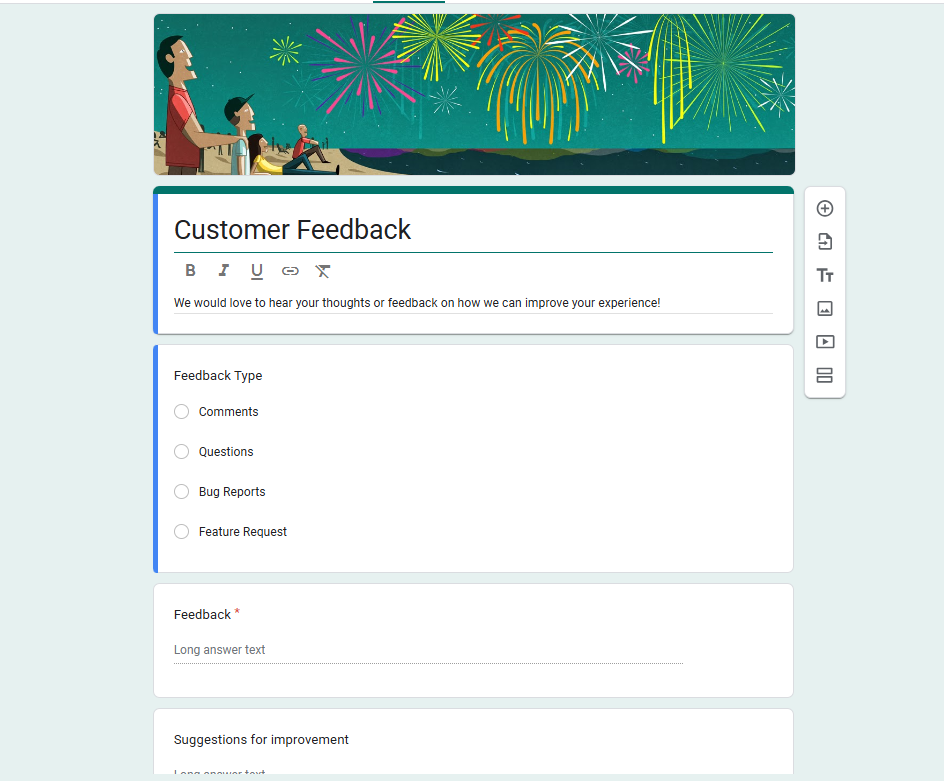
3. Customer Feedback Form
One of the most widely used templates, this form lets you capture feedback on products, services, or events. It comes with multiple-choice and linear scale questions.
Pro Tips:
- Use a linear scale for satisfaction ratings.
- Add optional open-text fields for deeper insights.
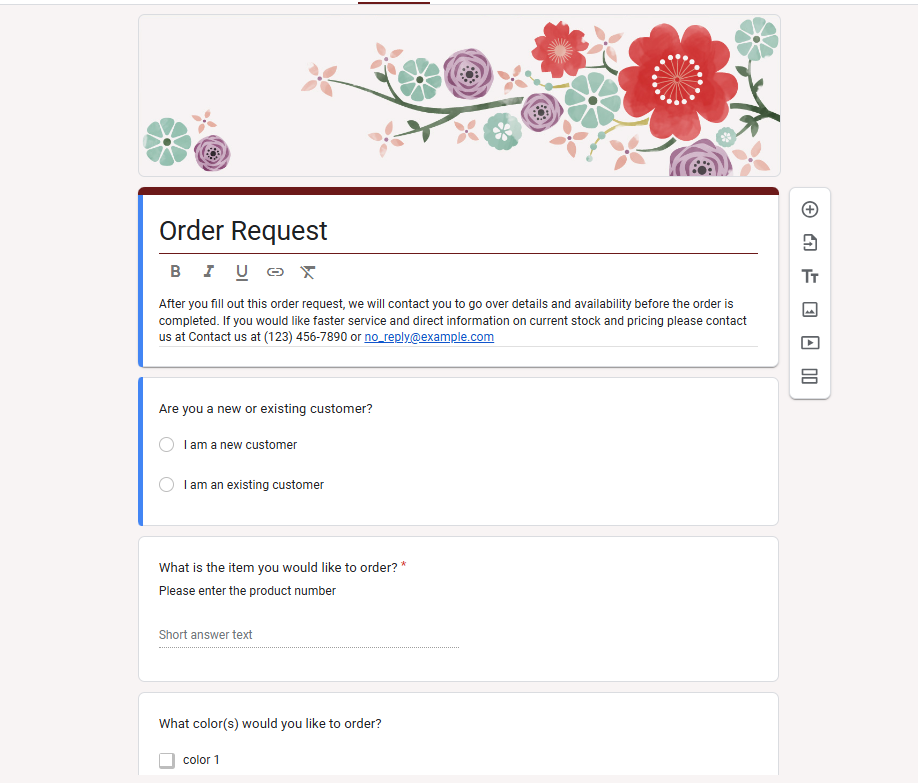
4. Order Form
Want to take simple orders online? This template helps you capture customer details, product requests, and shipping information.
Pro Tips:
- Add a dropdown for product options.
- Use Google Sheets integration to track and manage orders.
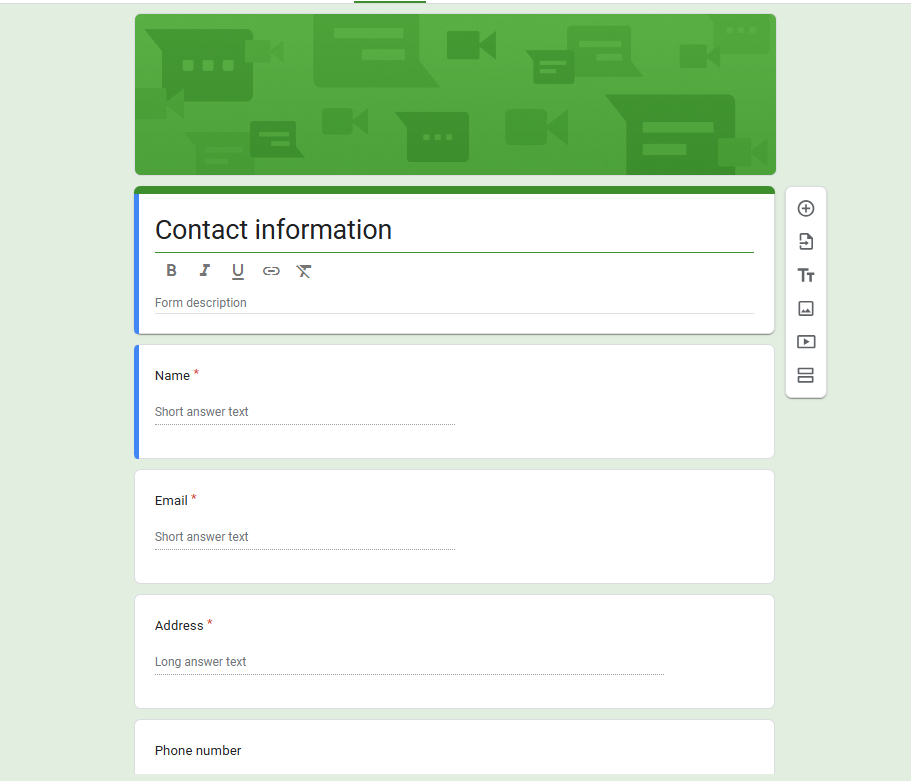
5. Contact Information Form
Need a quick way to gather names, emails, phone numbers, or addresses? This template makes it easy.
Pro Tips:
- Use required fields for email and phone to ensure complete records.
- Integrate with a CRM via Google Sheets for smoother follow-ups.
6. RSVP Form
Planning a wedding, party, or business event? The RSVP form template lets you confirm attendance and organize details.
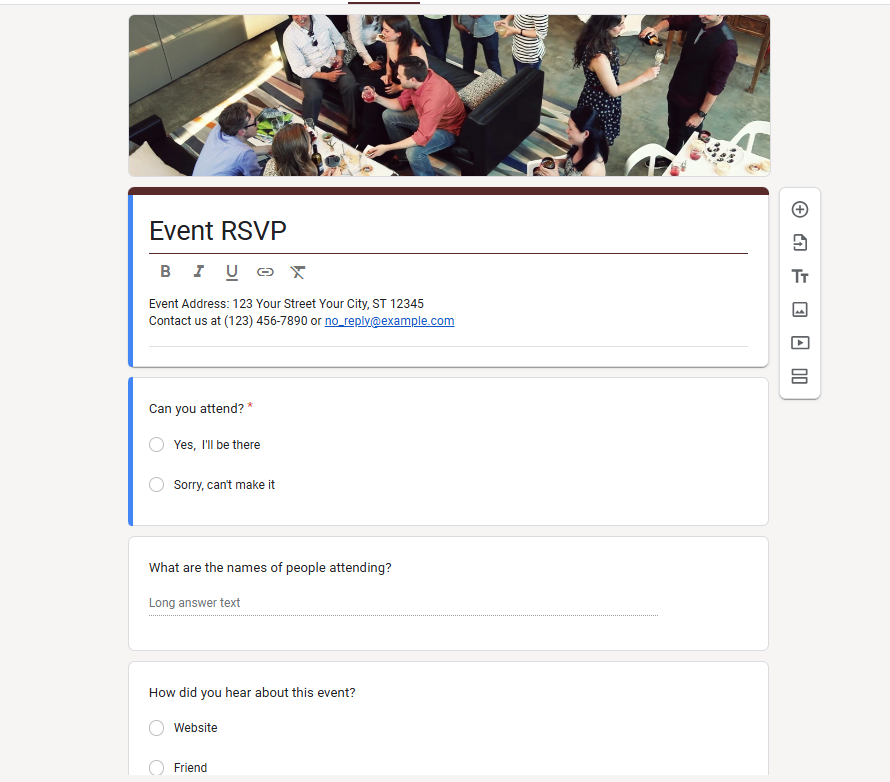
- Add a multiple-choice question for “Attending: Yes/No.”
- Include a short-answer field for special requests (like dietary needs).
7. Course Evaluation Form
Ideal for teachers and trainers, this template collects feedback on teaching quality, content clarity, and overall experience.
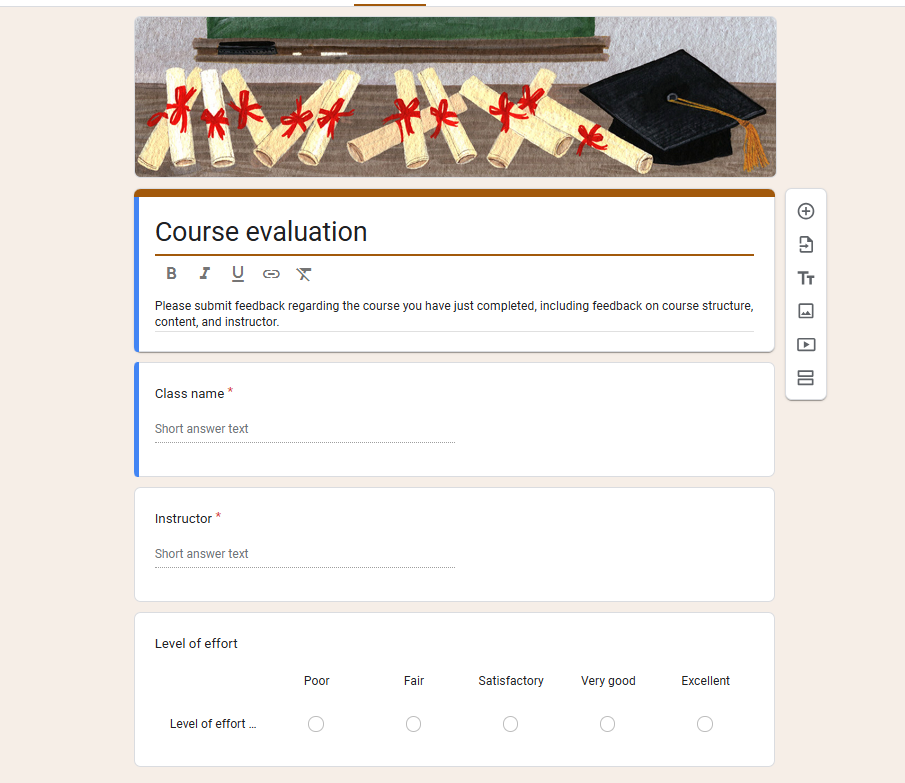
- Use a multiple-choice grid for rating different aspects of the course.
- Collect anonymous responses to encourage honesty.
8. Event Feedback Form
After an event, use this template to capture what participants thought about the experience.
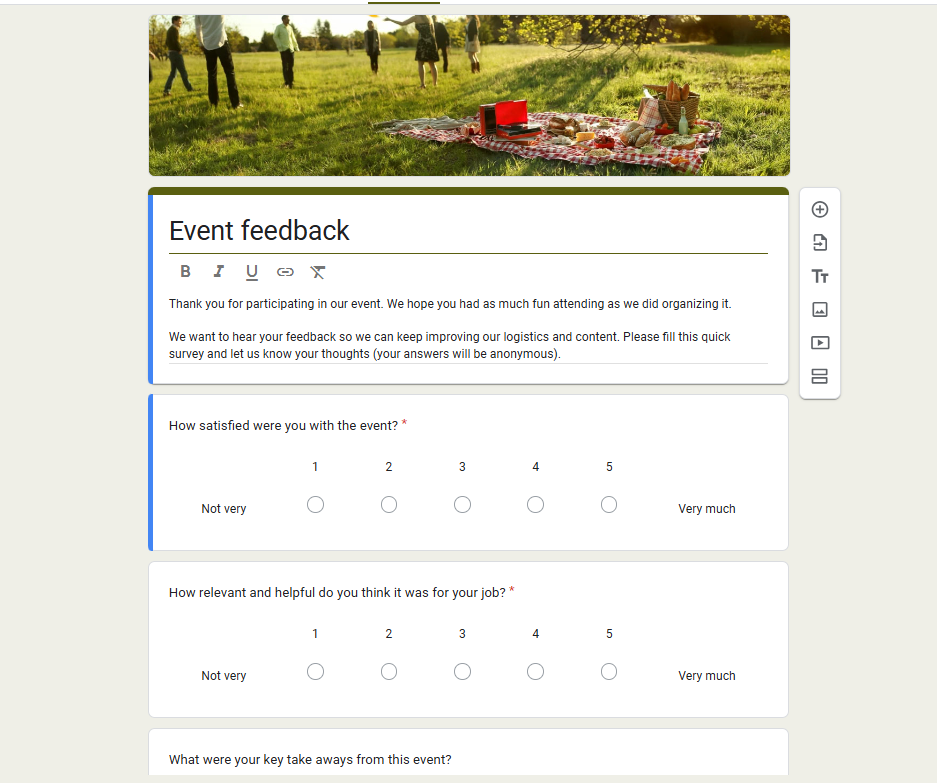
- Include both rating scales and open-ended questions.
- Add a section for suggestions for future events.
9. Quiz Template
This template is great for quick quizzes, whether for classrooms or fun surveys. It can automatically grade responses if you enable the Quiz Mode in settings.
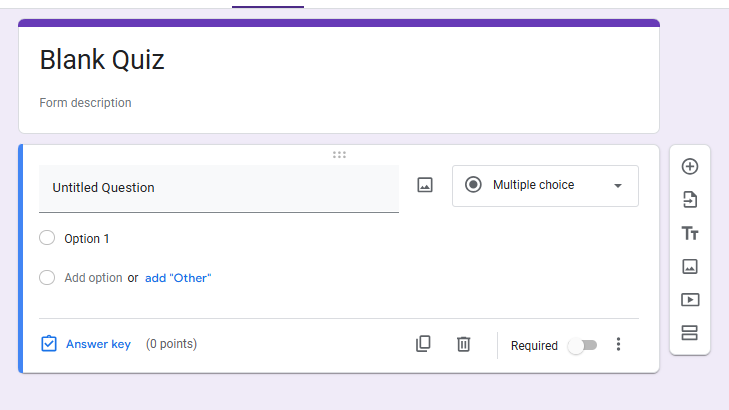
- Add correct answers and point values in quiz settings.
- Use the shuffle question order option to make quizzes unique for each respondent.
10. Assessment Form
Whether for employees, students, or personal evaluations, the assessment form template lets you measure progress or performance.
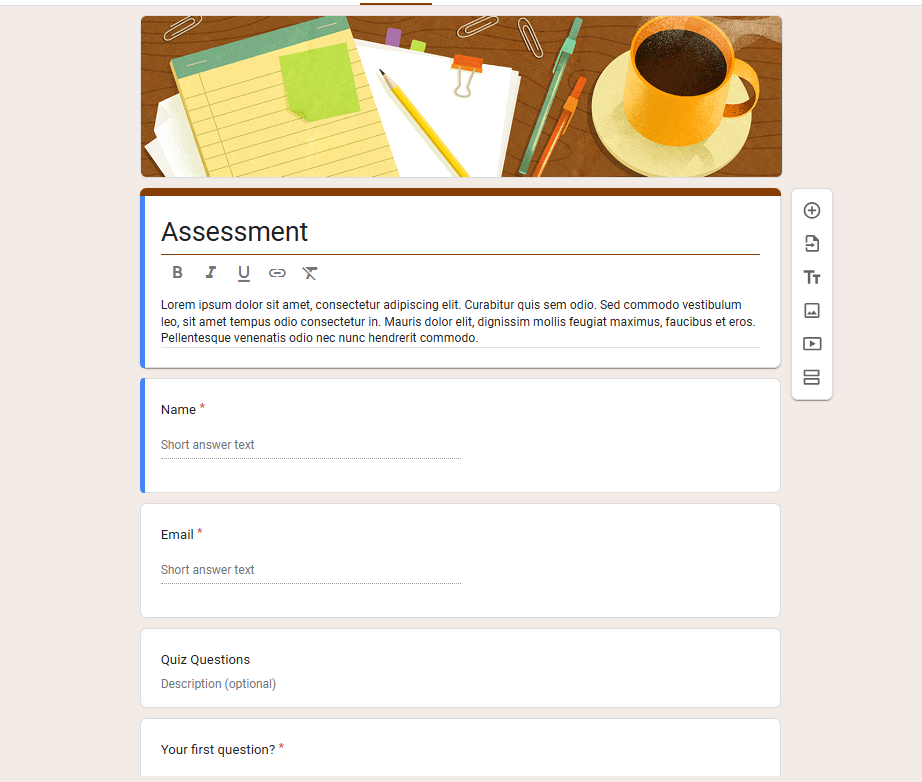
- Use multiple-choice questions for standardized scoring.
- Add an optional comments box for qualitative feedback.
Wrapping It Up
Google Forms offers a solid selection of templates that can be customized for almost any need whether you’re hiring, teaching, organizing, or selling.
By starting with these 10 best form templates in Google Forms, you’ll save time, avoid mistakes, and collect better responses.
So, head to the Template Gallery, pick one that fits your purpose, customize it, and start collecting responses today!
Frequently Asked Questions
Q1. How many templates are available in Google Forms?
Currently, Google Forms offers around 17 ready-made templates across categories like education, personal, and business.
Q2. Can I customize Google Forms templates?
Yes, you can fully customize them, add or remove questions, change colors, upload images, and even embed videos.
Q3. Does Google Forms support payments in templates?
No, payments aren’t built-in. You’ll need third-party tools or integrations for Stripe/PayPal.
Q4. Can I embed Google Forms templates into a website?
Yes, simply use the Embed HTML code option under the “Send” menu.
Q5. Are Google Forms templates free?
Yes, all templates in the gallery are completely free to use with a Google account.